
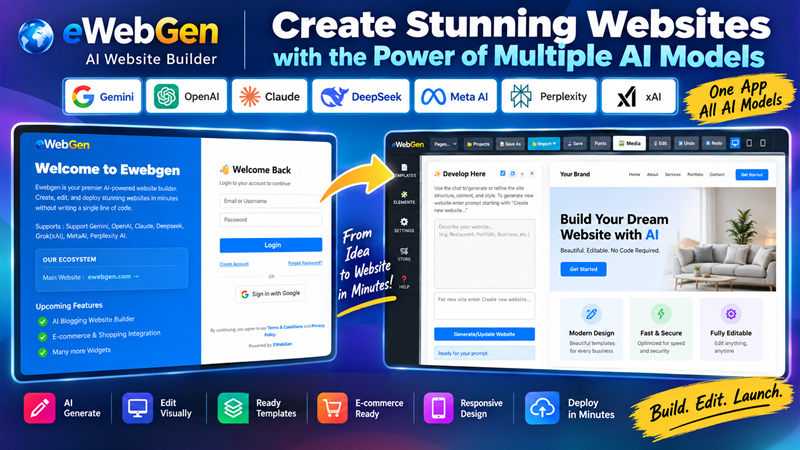
Multi-AI Support
Seamlessly integrated with Gemini, OpenAI, Claude, DeepSeek, xAI, MetaAI, and Perplexity to develop your websites.
Visual & AI Editing
Not just for generation—EWebGen allows you to deeply edit your websites visually or ask the AI to make complex layout changes.
AI Image Generation
Instantly generate custom images using AI directly within the app, or search integrated libraries to find the perfect media.
Web Version (SaaS Platform)
Designed for entrepreneurs who want to run their own AI website generation business. This powerful web-based version requires installation on your server to operate.
- ✔ User Dashboard: Clients can log in and generate/edit websites directly from your web app.
- ✔ Admin Control: Get full control over user subscriptions, billing, and payments.
- ✔ Turnkey Business: Anyone who wants to earn from subscription revenue can launch their own SaaS immediately.
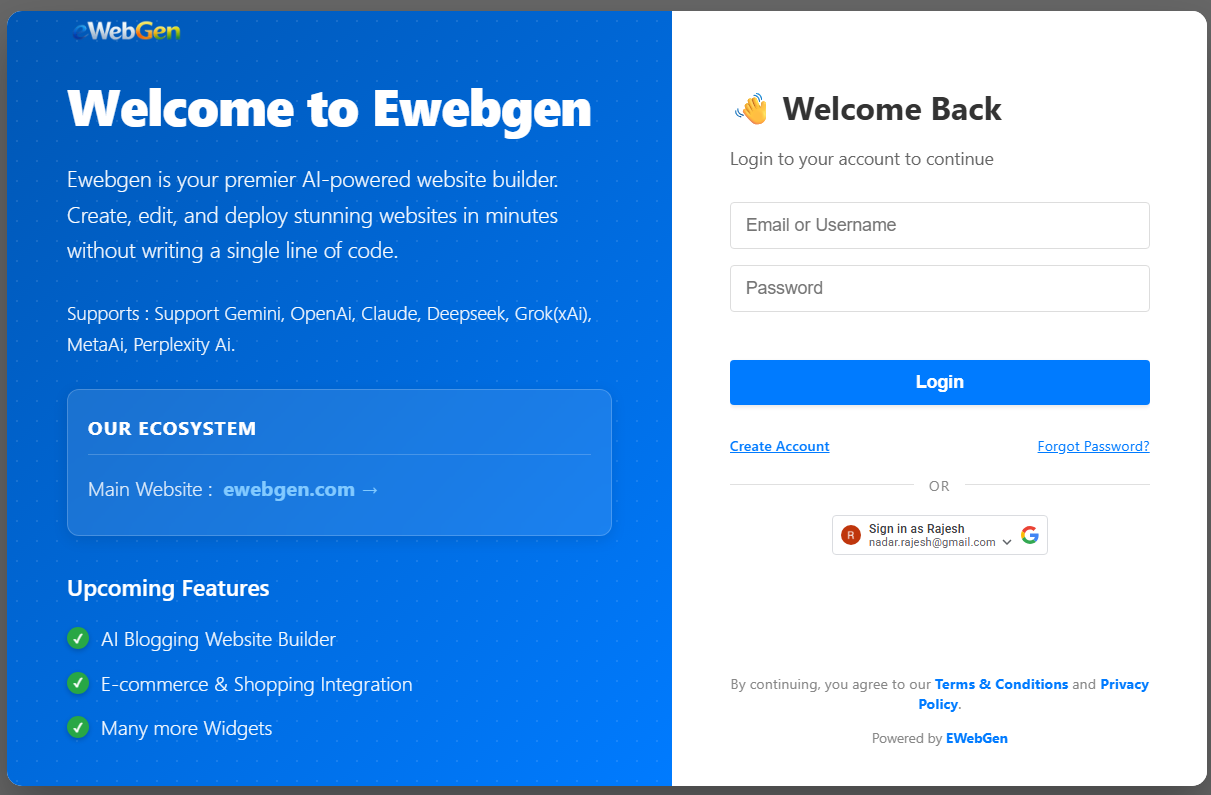
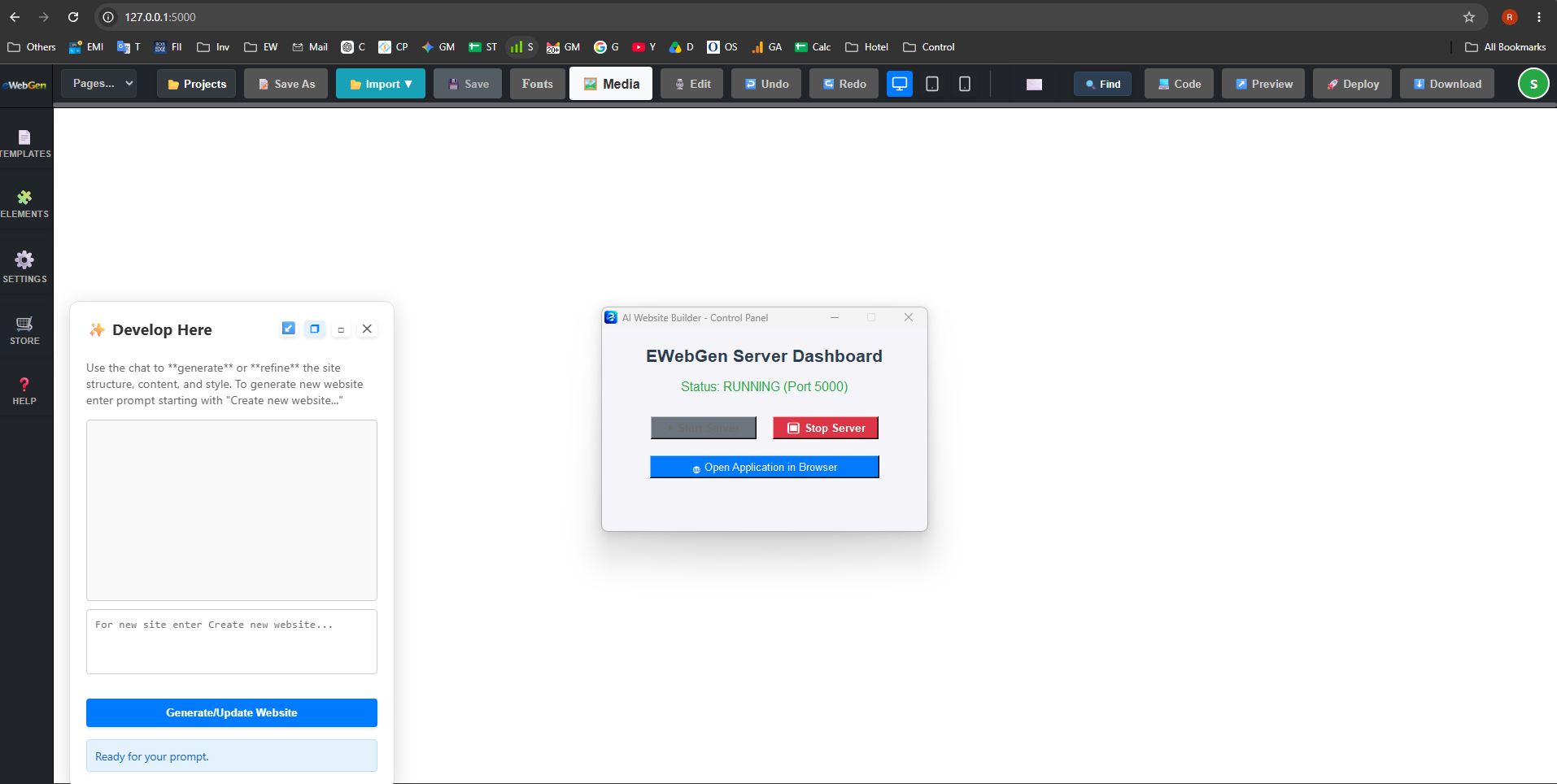
Desktop Standalone Version
A fast, locally-run application that doesn't require a server. Just start the lightweight Windows app, and you can view and use the full frontend interface directly in your browser.
- ✔ No Server Needed: Runs entirely on your local machine using a native Windows control panel.
- ✔ For Professionals: Ideal for developers and designers building lightning-fast websites for their clients.
- ✔ For Business Owners: Perfect for website owners who just want to manage their own website easily from their desktop.
Owner App & License Manager
The ultimate control center for software resellers and agency owners. Take command of your distribution by managing licenses for both the Web and Desktop versions.
- ✔ Centralized Licensing: Issue and manage licenses for the Web Version and Desktop Version to your own clients.
- ✔ Total Oversight: Track active users, revoke access, and monitor your software distribution from one place.
- ✔ Scale Your Agency: Securely distribute EWebGen technology under your own terms and build an empire.
License Control
Manage Web & Desktop Clients seamlessly.